Media
The image block places an image in the page — uploaded or from the site — with size, alignment and an optional caption.
What it is
The image block places an image in the page inside the NSW media figure, with an optional caption. Upload an image from your device, or point the block at one already in the site.
The video block does the same for a video: it embeds a YouTube or Vimeo video, or plays a video file from the site, in the same media figure. Both blocks share the size and alignment options below.
Example
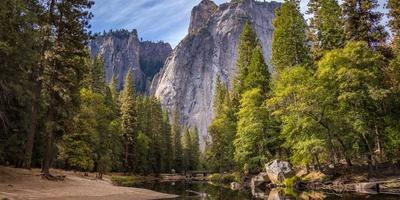
An image at full width.
- Media(opens in new window)
How to add it
Add an Image block, then:
- Click the image area to upload an image from your device, or drag one straight onto it.
- Choose a size, and for smaller sizes an alignment.
- Add alt text so the image is described to screen readers.
Add a Video block, then:
- Set the video URL — paste a YouTube or Vimeo link, or browse to a video already in the site.
- Choose a size, and for smaller sizes an alignment.
- Add a caption if the video needs one, and alt text describing what it shows.
Configure it
Image
Upload an image from your device (click the block, or drag a file onto it), or browse to one already in the site. The block serves the right-sized version of the image for how wide it's shown.
Video URL
Where the video comes from. Paste a YouTube or Vimeo URL to embed it, or browse to a video file uploaded to the site to play it directly.
Playback
Standard playback gives the viewer controls. Looping demo autoplays the video muted, with no controls, and repeats — for a short silent demonstration, not for anything with narration.
Size
How wide the image or video is, from full width down to 30%. Widths of 60% and above sit centred in the column.
Alignment
For the smaller 30-50% sizes you can float the image or video Left or Right so text wraps beside it. Larger sizes are always centred, so alignment only appears once you pick a 30-50% size.
Alt text
A short description of the image or video for people using a screen reader. Leave it empty only for purely decorative images.
Tips
Upload images at a good resolution — the block generates smaller versions for you, so a large source stays sharp on big screens without slowing small ones.
Write alt text that conveys what the image shows or does, not just what it is. Skip it only when the image is decorative.
Related pages
Example
Full width
Full width with Brand Dark background
Full width with Brand Light background
Full width without background
Full width video
Use the official play icon to indicate that the thumbnail is a video.
Centre 90%
Centre 80%
Centre 70%
Centre 60%
Left 50%
Right 50%
Left 40%
Right 40%
Left 30%
Right 30%